

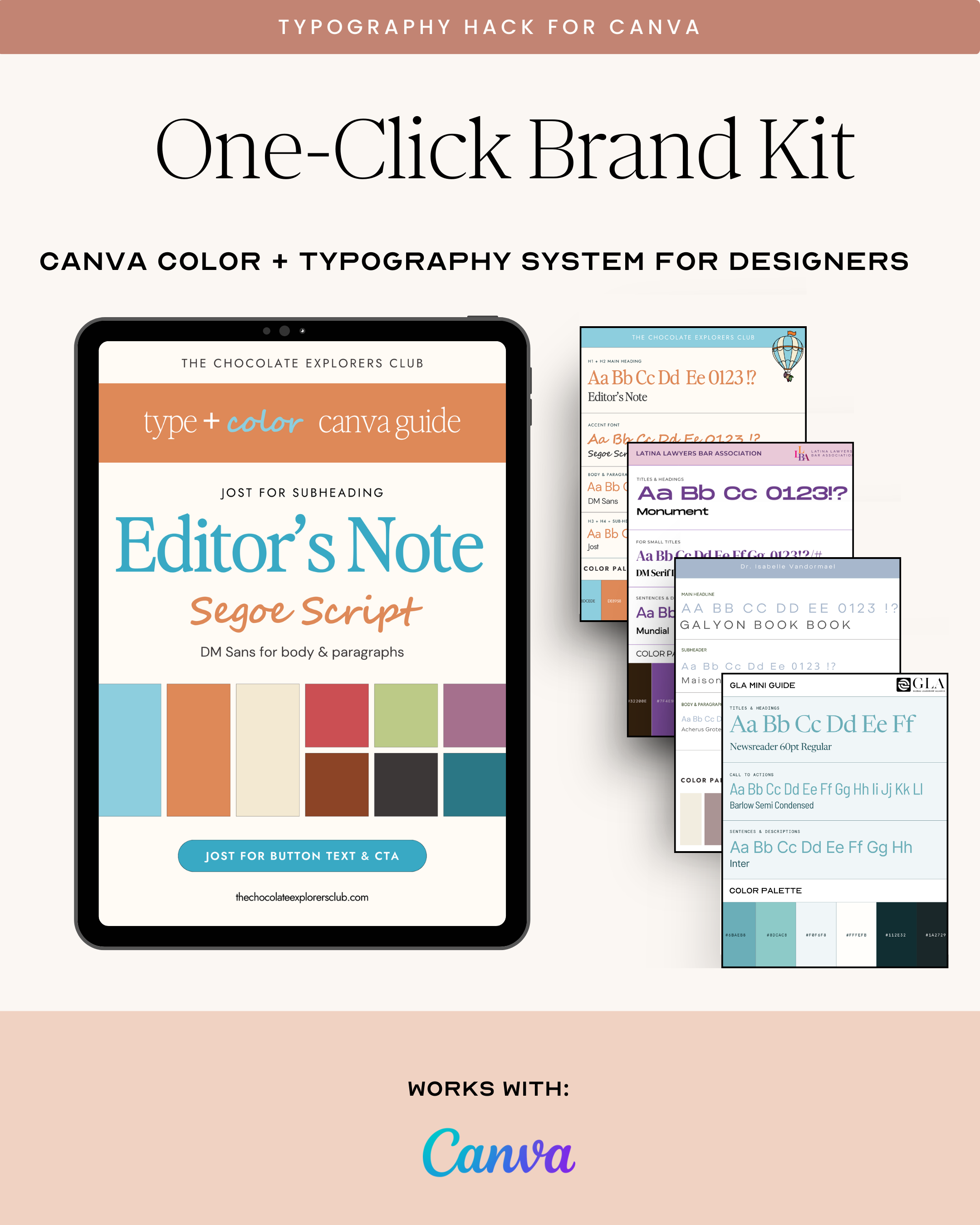


Typography System Pro is a Canva template designed to help designers define and organize a complete font hierarchy for themselves or their clients.
This template allows you to clearly map:
-
Headline fonts
-
Subheading fonts
-
Body fonts
-
Accent fonts
-
Font sizing structure
-
Usage guidelines
All inside one master file that you can duplicate for every client.
Why This Matters:
-
Prevents inconsistent type usage
-
Speeds up design execution
-
Makes revisions easier
-
Elevates perceived professionalism
-
Creates scalable brand systems
When your typography is clear, your brand feels intentional.
And intentional brands convert.
Choose options
Need help?
Frequently Asked Questions
All you need is a basic understanding of the software or platform you’re working with (e.g., Canva, ClickUp, etc.). Each template comes with step-by-step instructions, so even if you’re new to design or automation tools, you’ll be able to hit the ground running.
Absolutely!
Our templates are designed with flexibility in mind.
You can easily adjust colors, fonts, and layouts to match your brand’s style. Plus, our templates are compatible with popular design tools like Canva, making customization simple and quick.
Some templates may require specific platforms (like ClickUp or Zapier) for full functionality. But don't worry — our product descriptions clearly outline any additional software needed. If you're unsure, feel free to reach out, and we’ll guide you through the setup process.
Yes! We’re here to help. If you run into any issues or have questions while using the templates, simply reach out to our support team, and we’ll get you back on track as soon as possible.